Think in rolls.
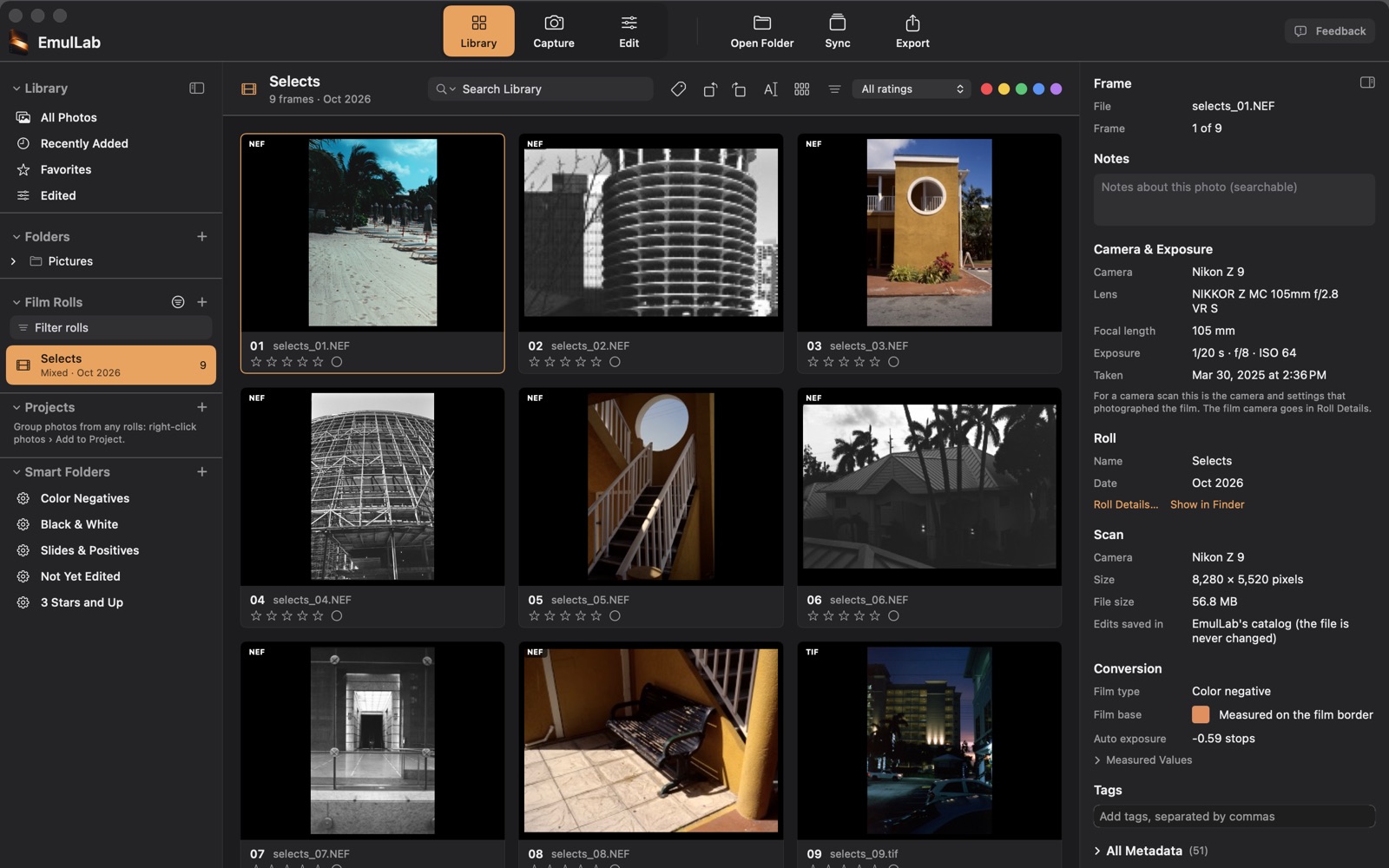
Analyze related frames together and sync settings across the roll. Find any frame again with Projects, Smart Folders and search.
From the first camera scan to the finished roll. A standalone Mac app for film photographers, with your files right where they belong.
FreemacOS 14+ on Apple siliconVersion 1.0: November 17, 2026
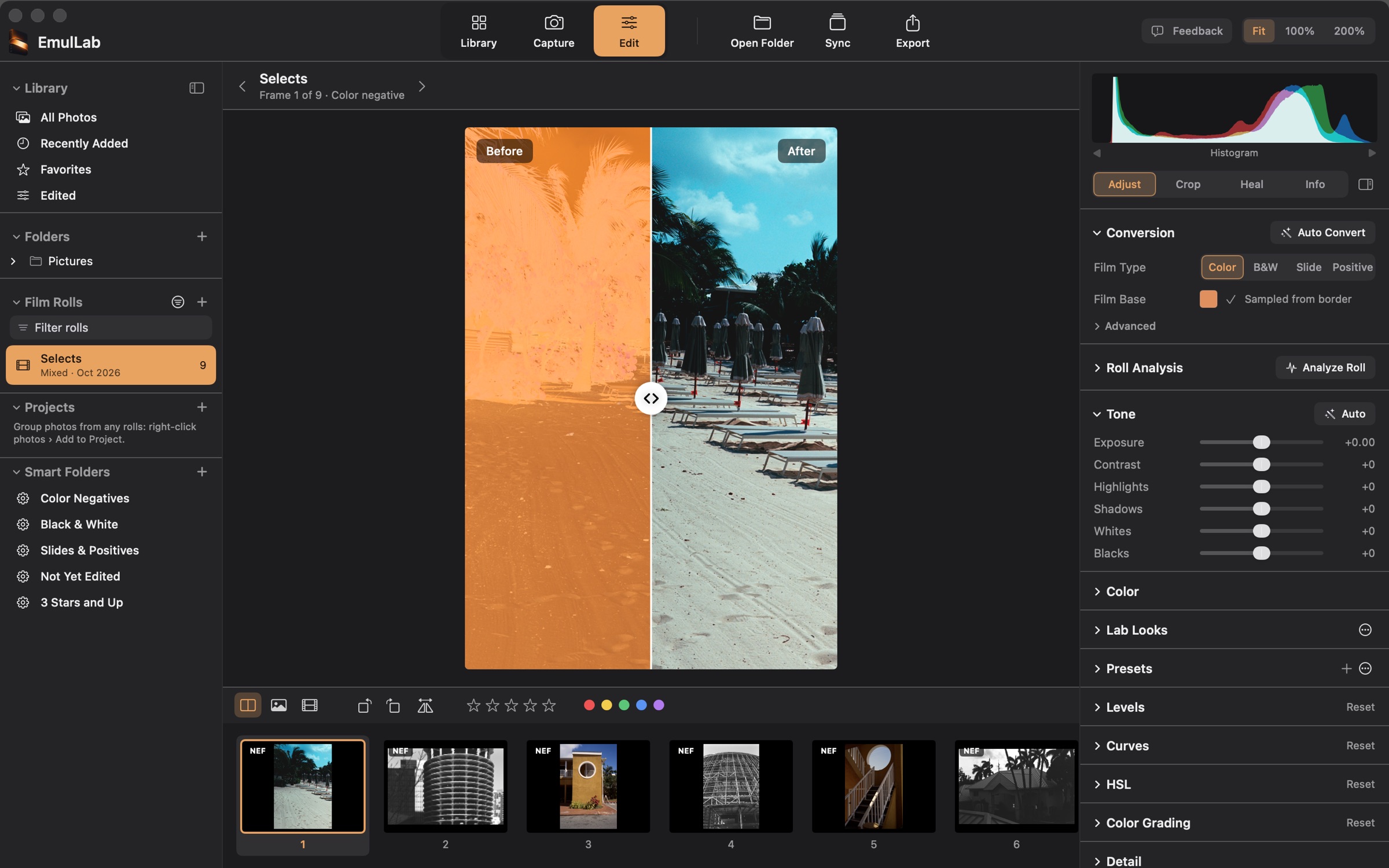
Capture, convert, edit, organize and export without passing your negatives from one application to the next.
Trigger a camera over USB, watch a folder, or open a folder of scans.
Color and B&W negatives, slides and lab scans, with roll analysis for consistency.
Crop and straighten, tone and color, Lab Looks, and dust healing.
Ratings, labels, tags, Projects, Smart Folders and search.
TIFF, JPEG, PNG or a contact sheet. Your originals stay untouched.
Start with a camera-scanned negative. The film base is read from the border, and a whole roll can be analyzed together so its frames match.
The scan file is never changed. Every adjustment lives in the local catalog.
How a negative is converted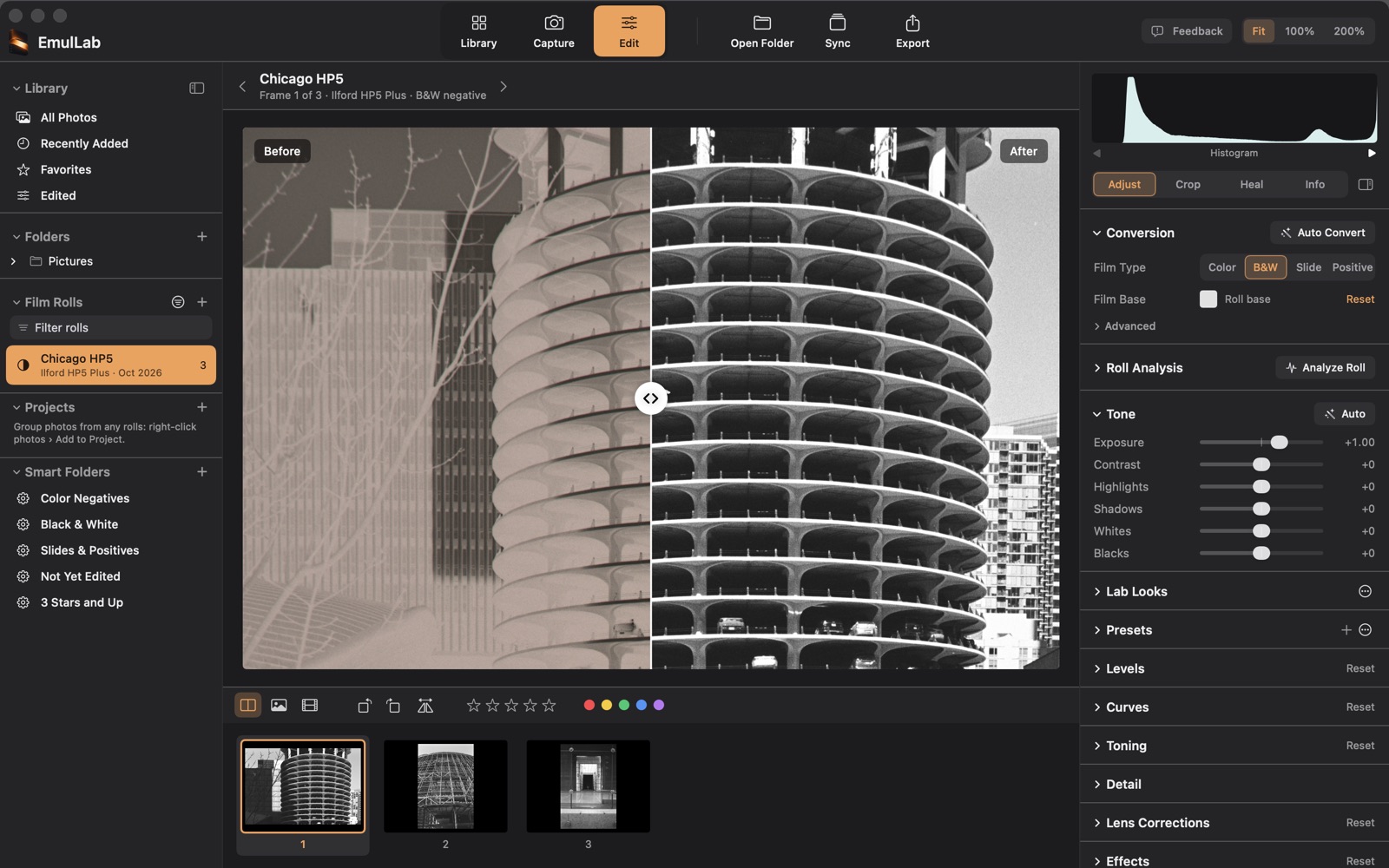
Analyze related frames together and sync settings across the roll. Find any frame again with Projects, Smart Folders and search.
Curves, HSL, color grading, grain and Lab Looks named after film stocks give you a starting point and room to make the image your own.
Heal a speck with a click or a hair with a stroke. Find Likely Dust marks specks for you to check before anything is healed.
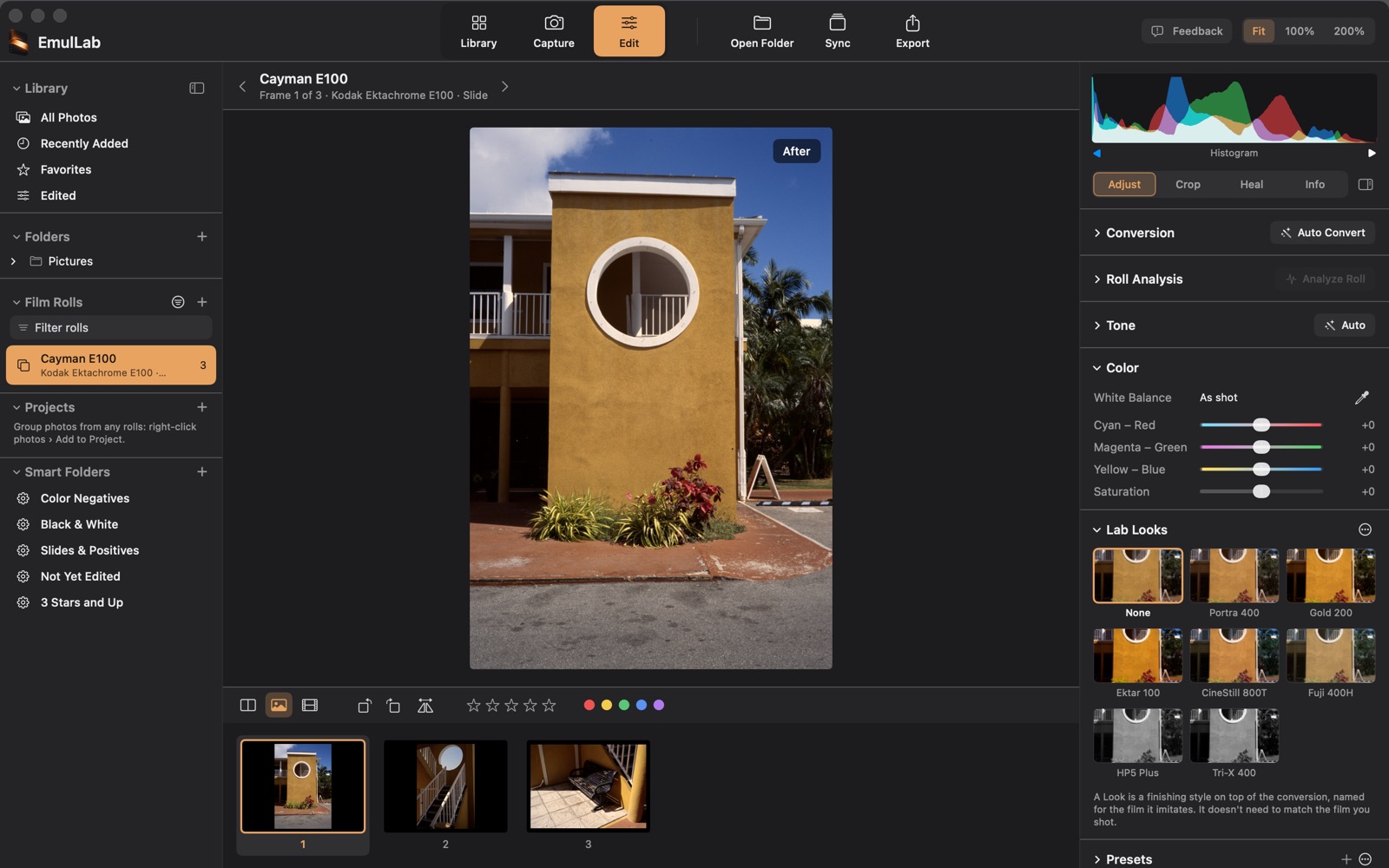
Your photographs don’t need a cloud account. Conversion and editing happen on your Mac, and your original files stay untouched.
The desktop app is free. No trial countdown. No subscription. No account required.
Read the privacy notePublic Beta on October 9, 2026. Version 1.0 on November 17, 2026. Free to use, from the first frame to the final export. Once installed, new versions arrive inside the app.